Count
Steps from your own phone
Your phone's motion sensor does the counting. No account, nothing to set up.
No ads. Ever.
iPhone · Apple Watch · Android
StepKit counts your steps with your phone's own sensor, keeps every walk's route on a map, and puts your day on your Home Screen. Free, with no account and no ads.
Free on iPhone and Android. StepKit Pro is optional.
Ad-free
No banners between your steps, no videos before your walk, no ad networks reading your phone. That is a promise for everyone, on the free version too, not something StepKit Pro buys you out of. StepKit is paid for by the people who choose Pro.
What it does
Count
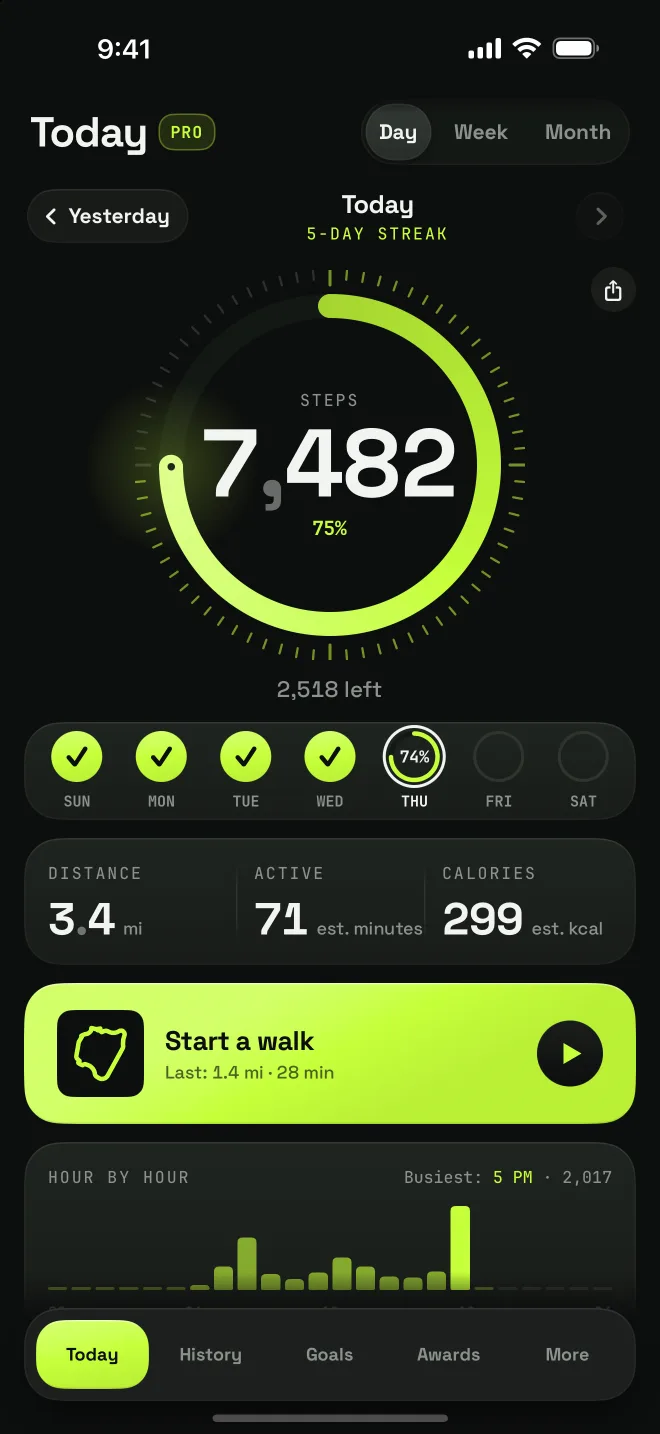
Your phone's motion sensor does the counting. No account, nothing to set up.
Walk
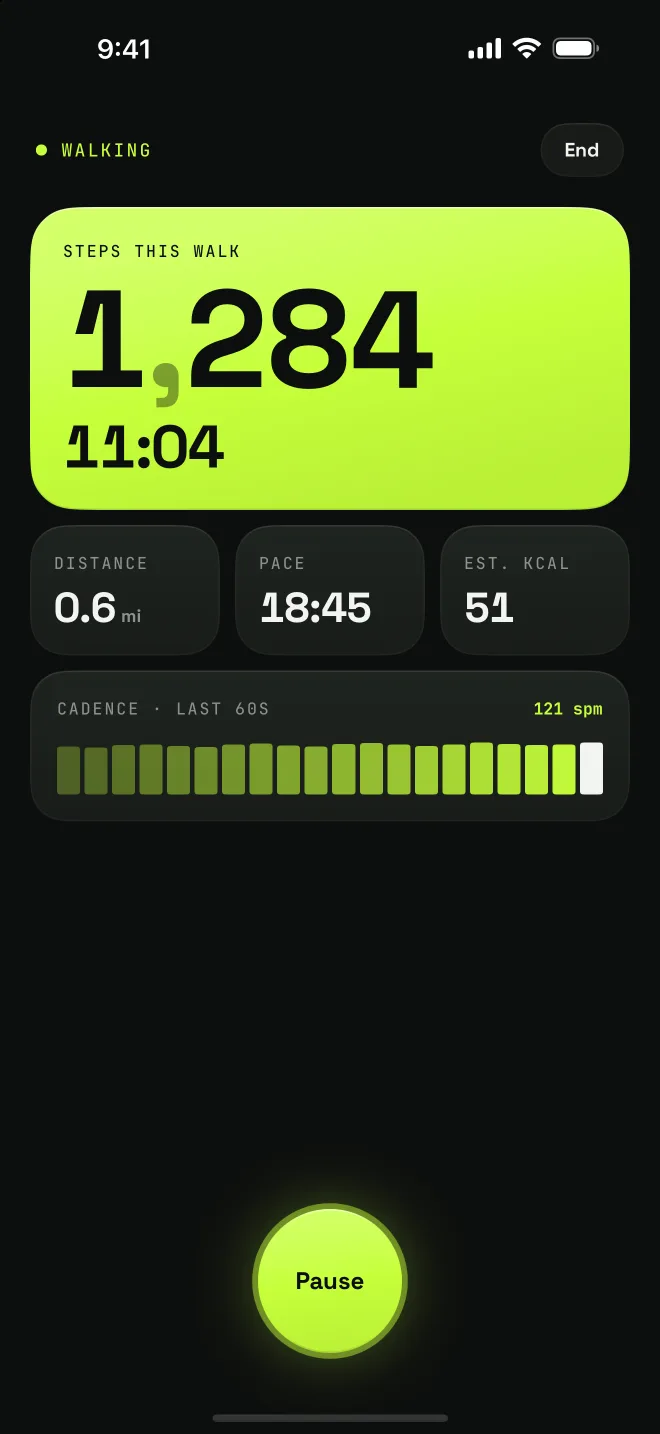
Start a walk and it tracks steps, time, distance and pace. Allow Location and the route stays on a map in History.
Today
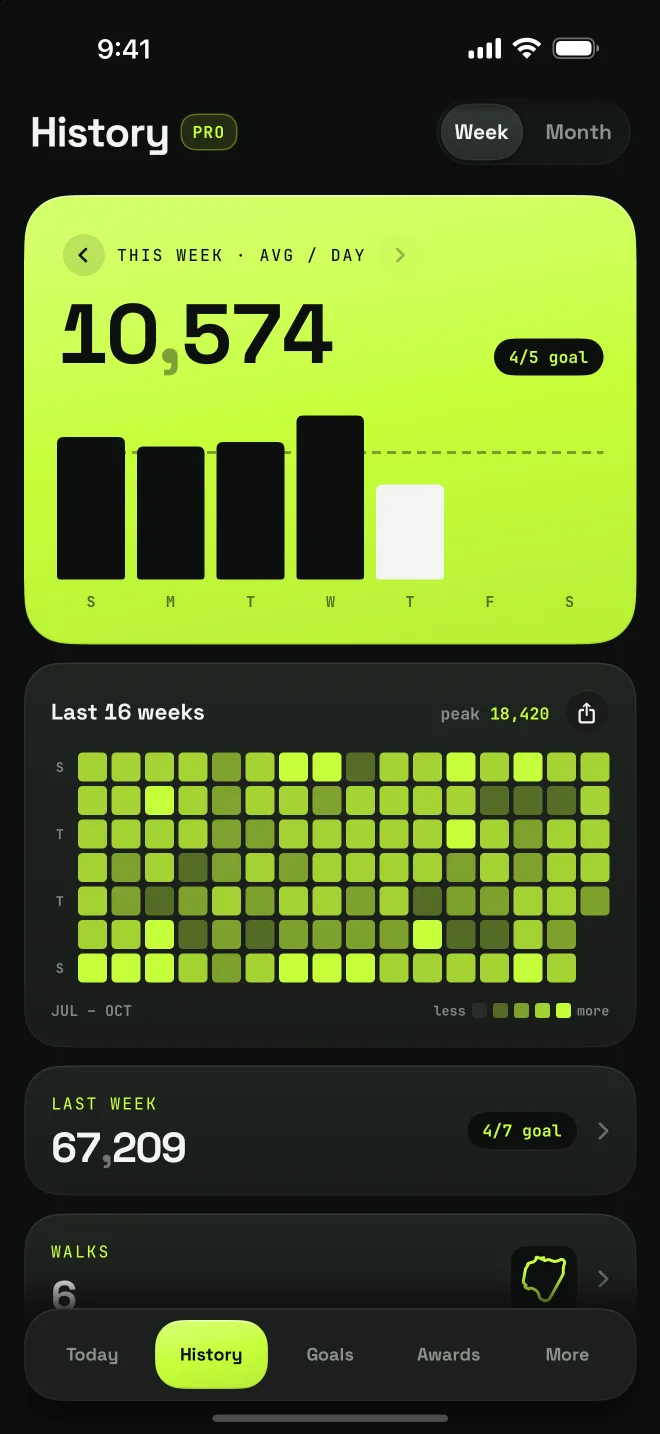
One screen that switches between your day, week and month, and looks back at earlier days.
Goal
A daily goal from 2,000 to 30,000 steps, with notifications at halfway, 80% and when you reach it.
Awards
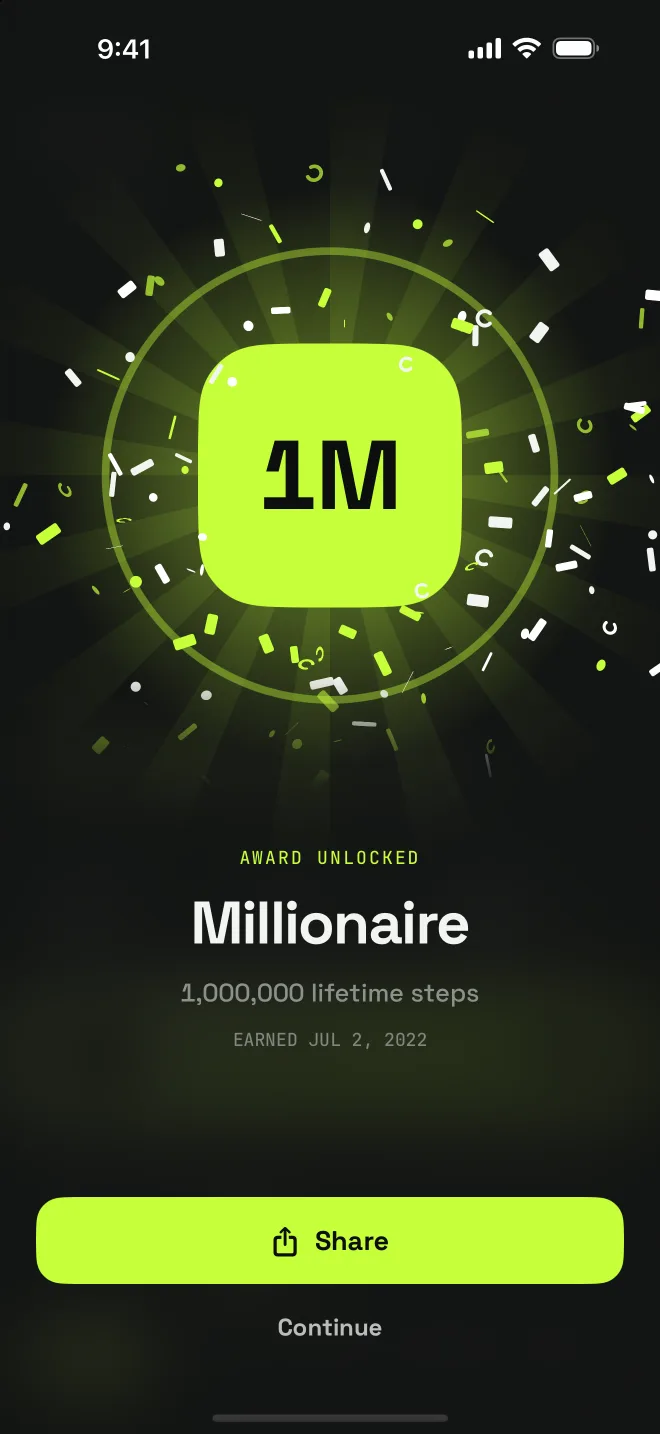
Real milestones, from a 3-day streak to 10 million steps.
Share
Share a day, a week or a month as a card in many styles, and a weekly recap.
Widgets
Home Screen and Lock Screen widgets on both phones, and two watch complications on iPhone.
Sync
Optional, read-only Apple Health or Health Connect sync fills in the days before you installed StepKit.
Apple Watch
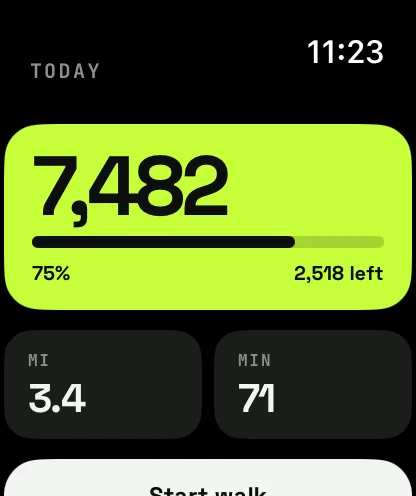
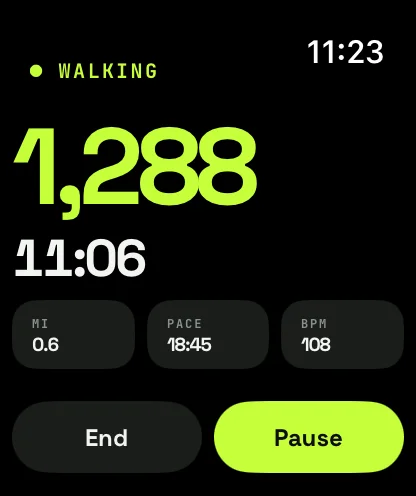
Start a walk on Apple Watch and it keeps recording with your wrist down, reads your heart rate, and saves itself to Apple Health as a walking workout when you end it. Your iPhone picks it up for your history and awards.
Routes
Allow Location and a walk keeps its route, only while the walk you started is running. Look back at it in History on the map, free. With StepKit Pro the camera follows it again, in 3D. Say no to Location and the walk still counts, just without a map.
Free & Pro
Free, permanently
StepKit Pro
What StepKit makes of your own history and walks.
Monthly, yearly or a one-time purchase. No free trial; the price is in the app before you buy.
Privacy
No account and no ads. Your step history and your walk routes live on your own phone, and Apple Health and Health Connect are only ever read on your device. The app sends a few anonymous usage events to our own server, like opening the app or seeing the Pro screen, and never your steps or where you walked. Privacy policy
FAQ
Yes, on iPhone and on Android. Step counting, walk routes on the map, Apple Health and Health Connect sync, the widgets, the Apple Watch app on iPhone, goals, notifications and awards are all free. StepKit Pro — a monthly or yearly subscription, or a one-time purchase — adds the 3D replay of your walks, six reports, trend charts, all-time records celebrated the day you beat them, a year view with a card to share, CSV export and an adaptive goal. There is no free trial; the price is shown in the app before you buy.
No. Your phone's own motion sensor counts your steps. The sync is optional and read-only: turn it on and StepKit reads your earlier step history from Apple Health on iPhone, or Health Connect on Android, to fill in the days before you installed it. The one exception is Apple Watch, where a walk you record is written back to Health as a workout.
Yes. StepKit has been on Google Play since November 2026, with the same screens, the same walk tracking with its GPS route, the same widgets, goals, awards and reports, and the same Pro. The one thing it has no answer to yet is the Apple Watch app — there is no Wear OS version.
No. StepKit is built for walking; it has no run mode. On Apple Watch a walk is recorded as a walking workout, not a run.
Only while a walk you started is running, to record its route — the map in History, and the 3D replay with StepKit Pro. Say no and the walk still counts, just without a map. Routes stay on your phone and are never uploaded.
On iPhone, in your App Store account settings: Settings → your name → Subscriptions → StepKit. On Android, in Google Play: your profile picture → Payments and subscriptions → Subscriptions → StepKit. Cancel at least 24 hours before the period ends and it will not renew.
Email hello@gen2apps.com or use the contact form at gen2apps.com/contact and pick StepKit. A person reads every message.